
A fast viewer for your renders.
A shortcut-first viewer for EXRs, images, and video. Simple by default. Powerful one keystroke away.
justview is for the moment after a render finishes
and before you move on.
It opens fast, keeps the frame central,
and keeps common inspection tools one key away.
New users can open, play, copy, and export immediately.
Power users can stay on the keyboard while moving through AOVs, scopes,
grades, crops, split panes, and review tools.
The goal is simple:
less time preparing to inspect an image,
more time deciding what to do next.
Most image tools ask you to build a workspace
before you can inspect a frame.
justview starts with the frame instead.
A sample workflow
From first playback to final checks.
Follow one EXR sequence through a small selection of what justview can do.
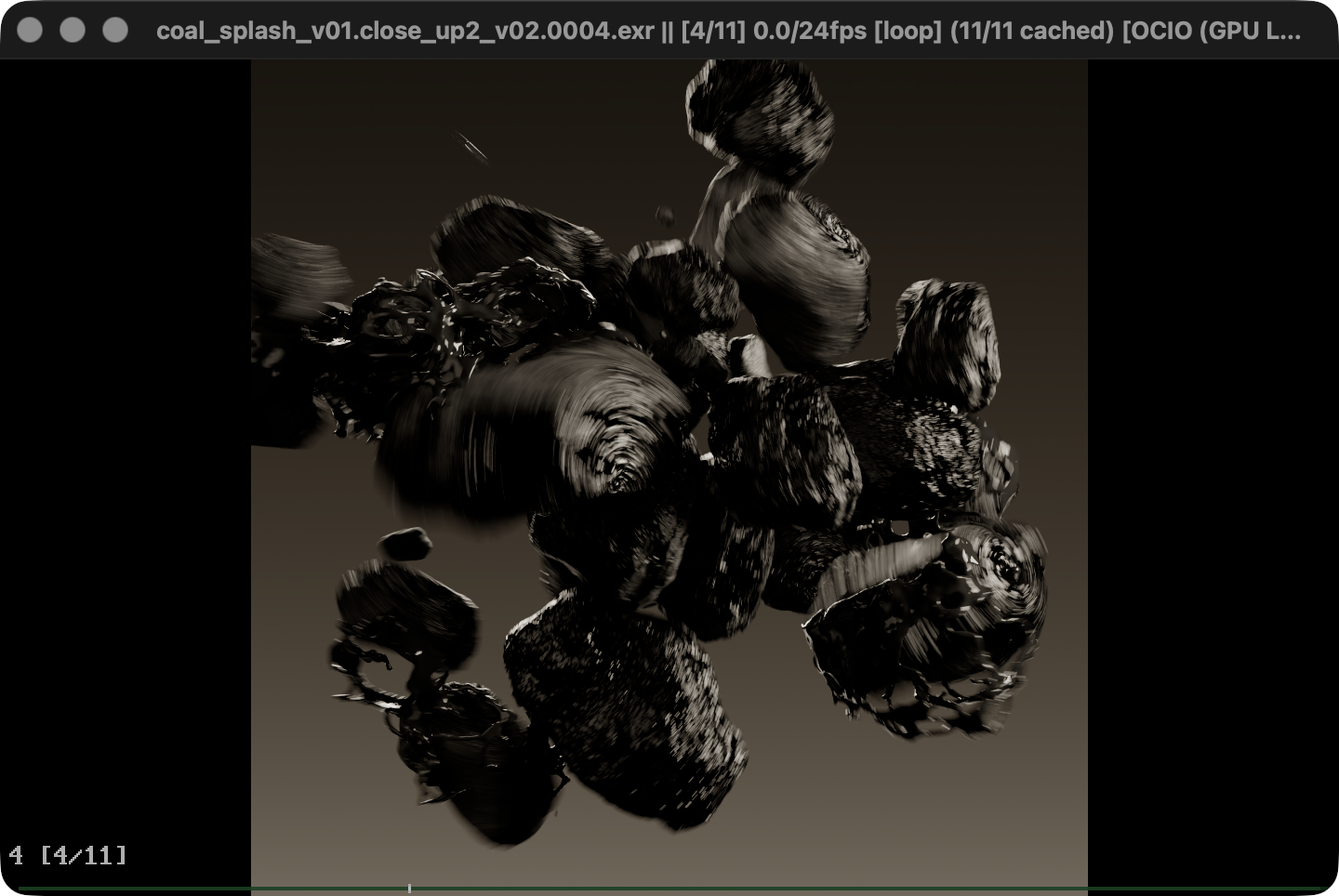
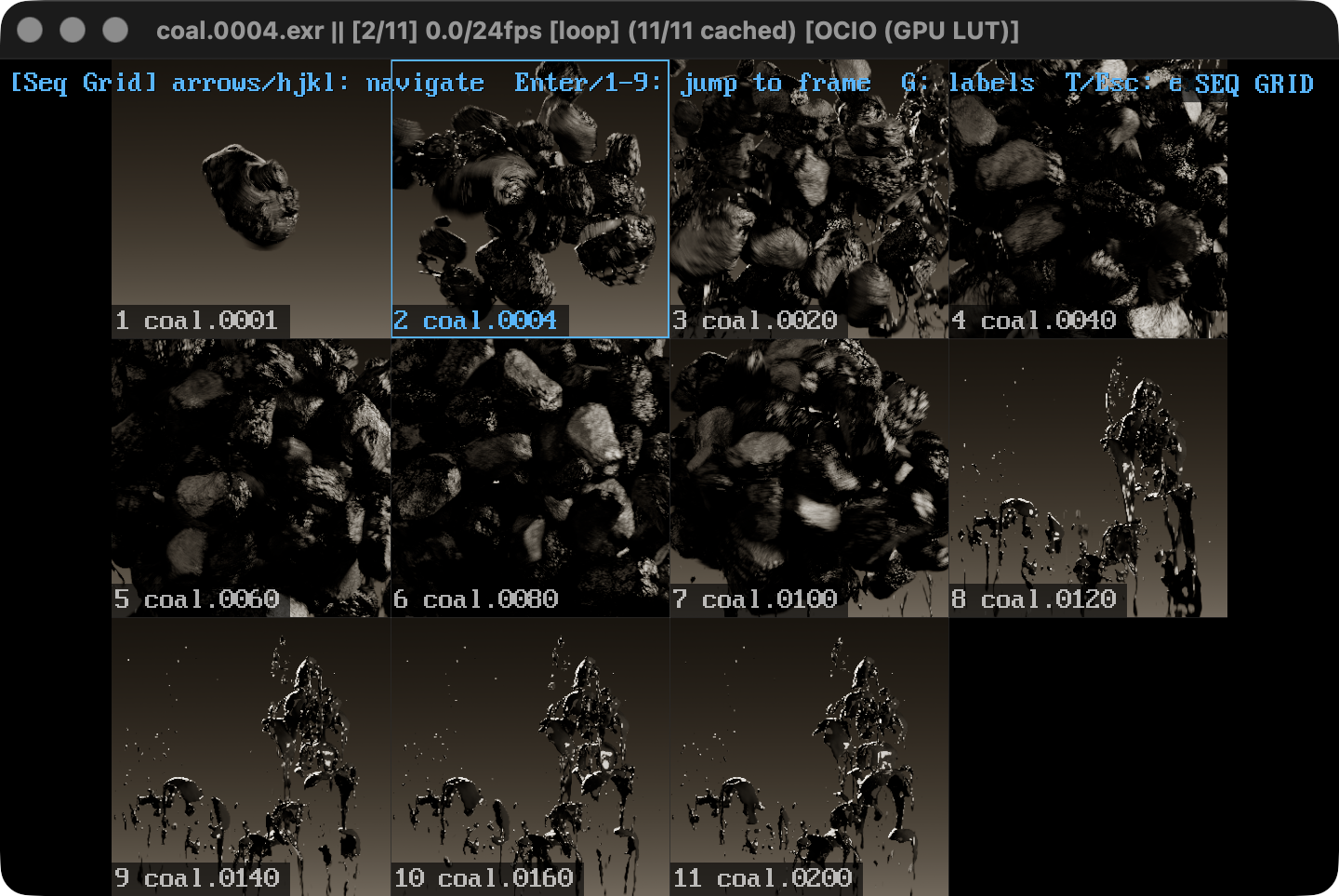
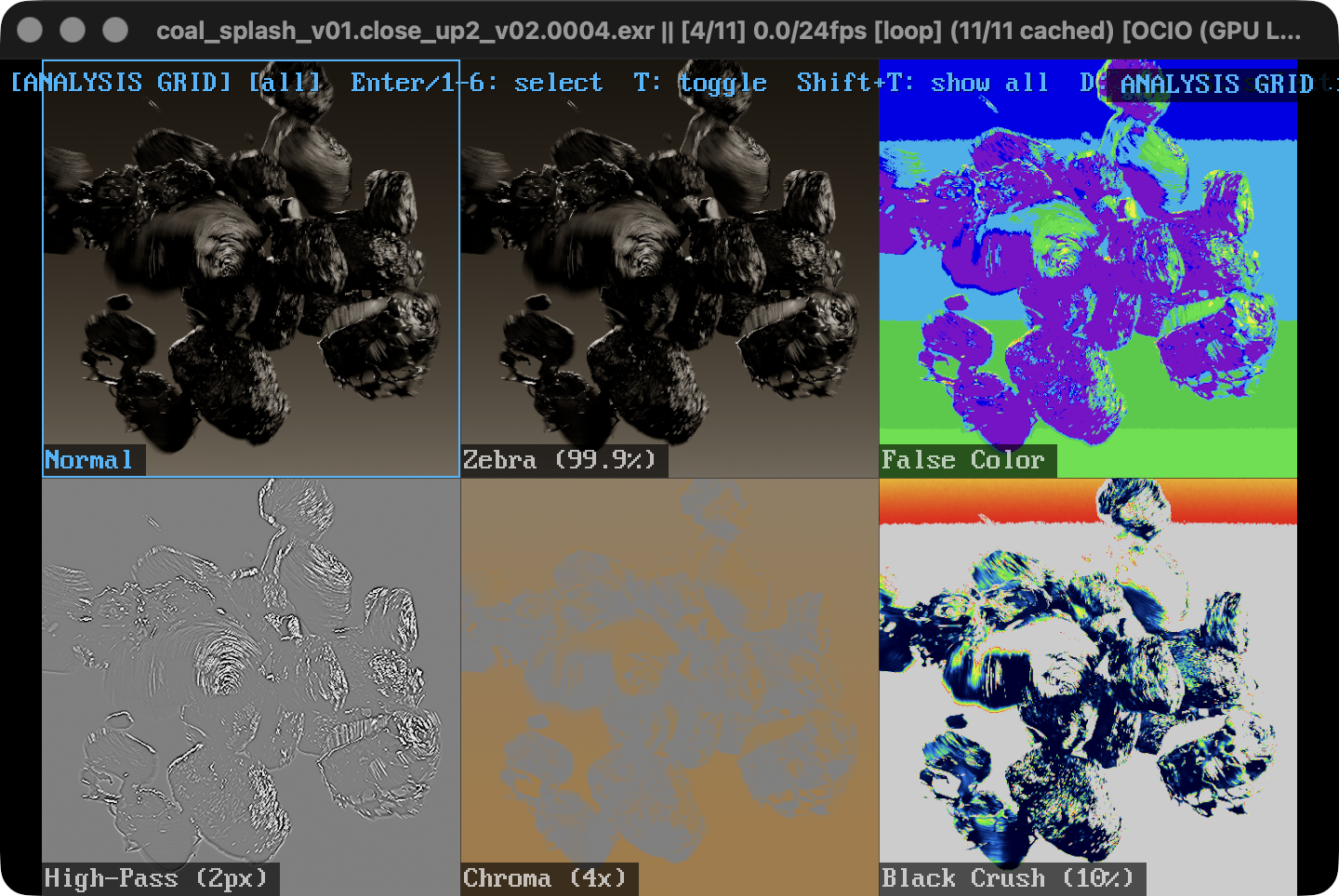
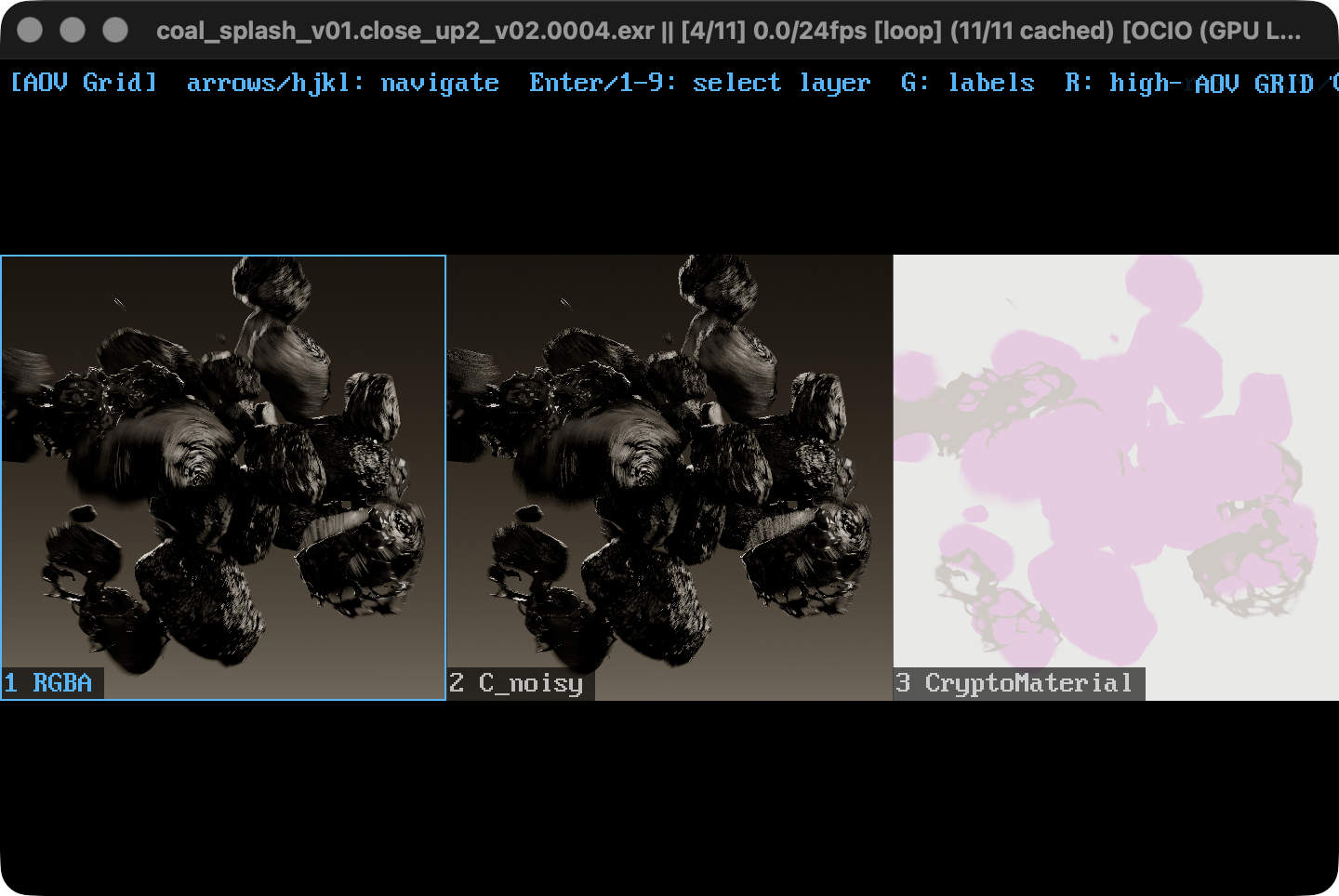
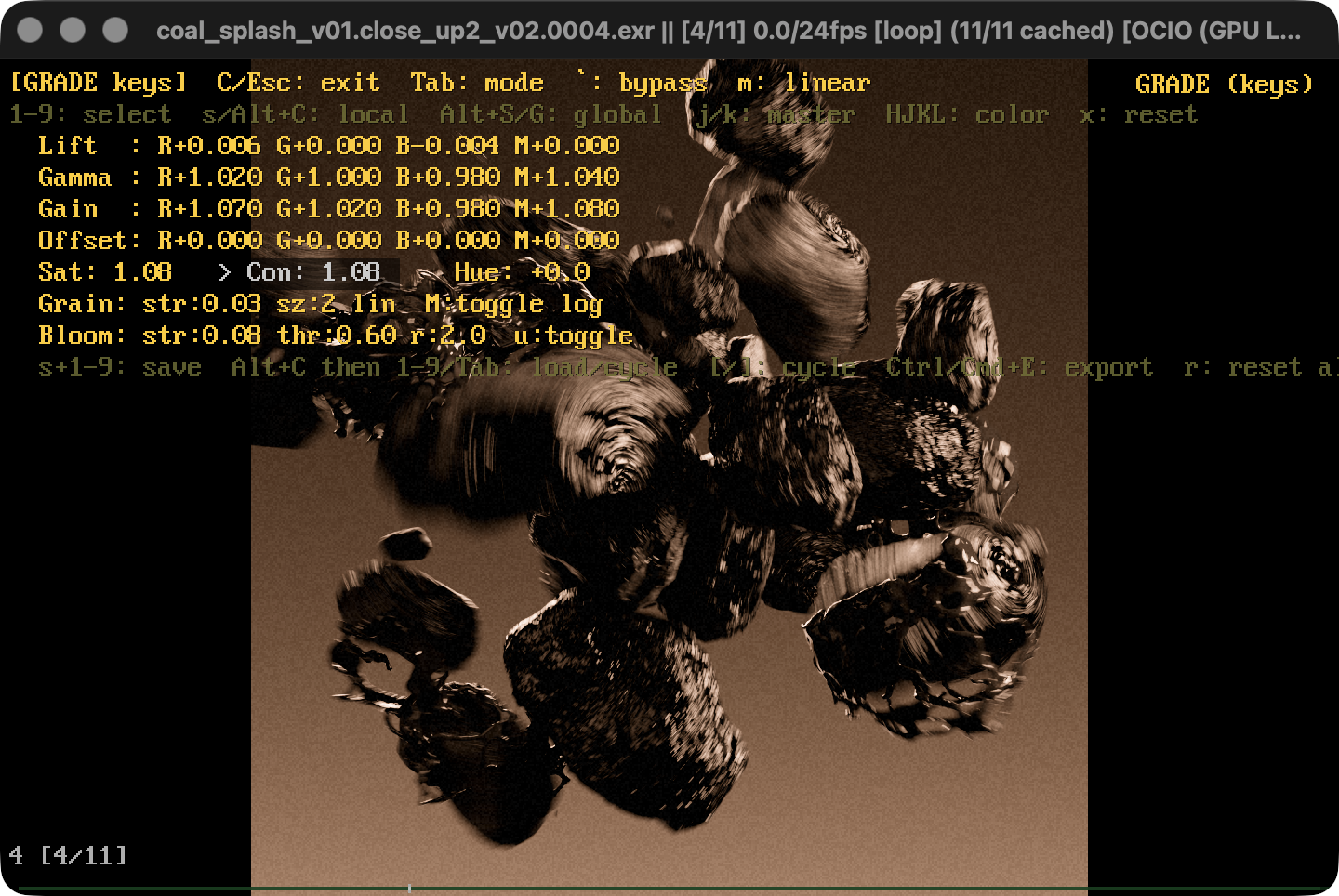
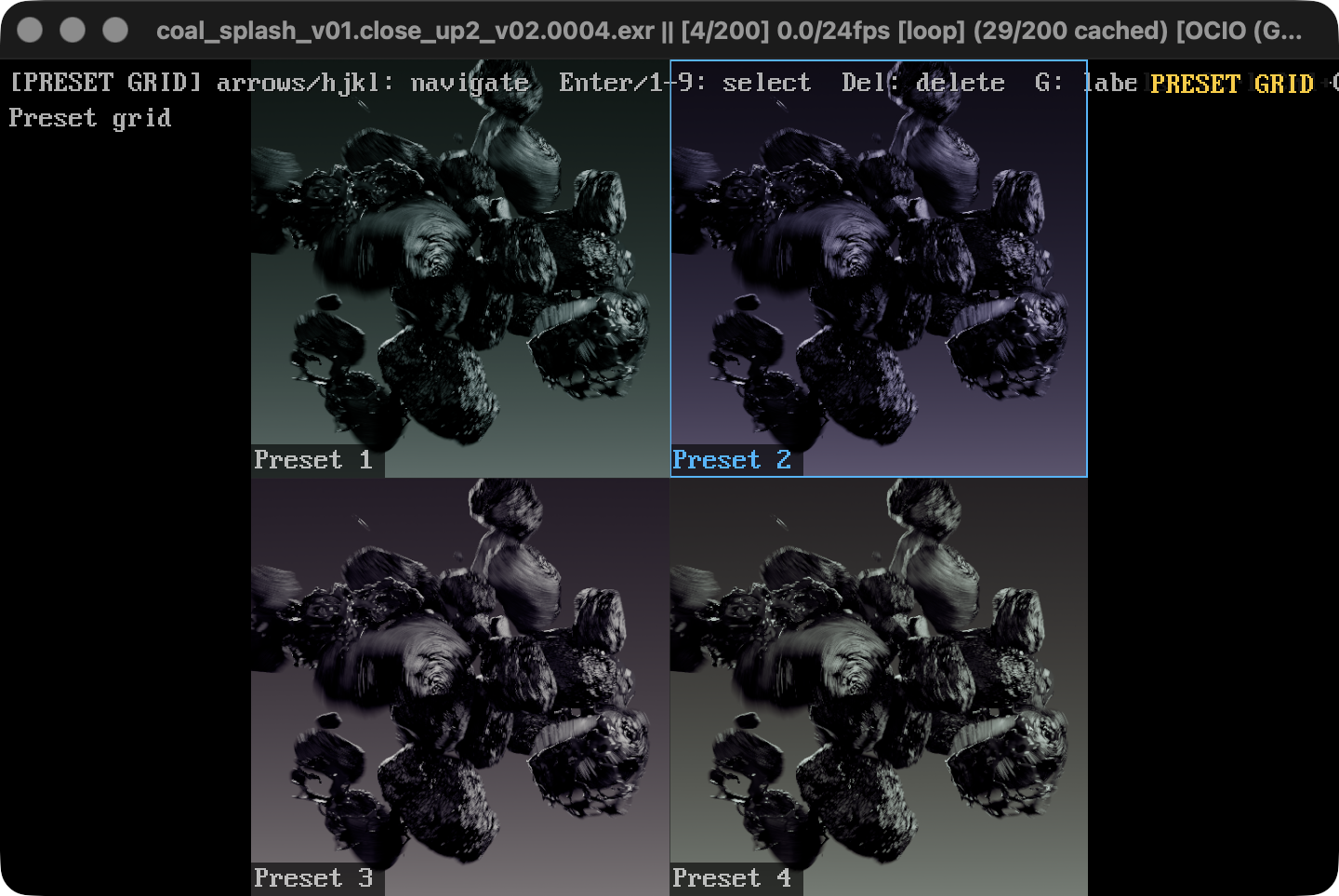
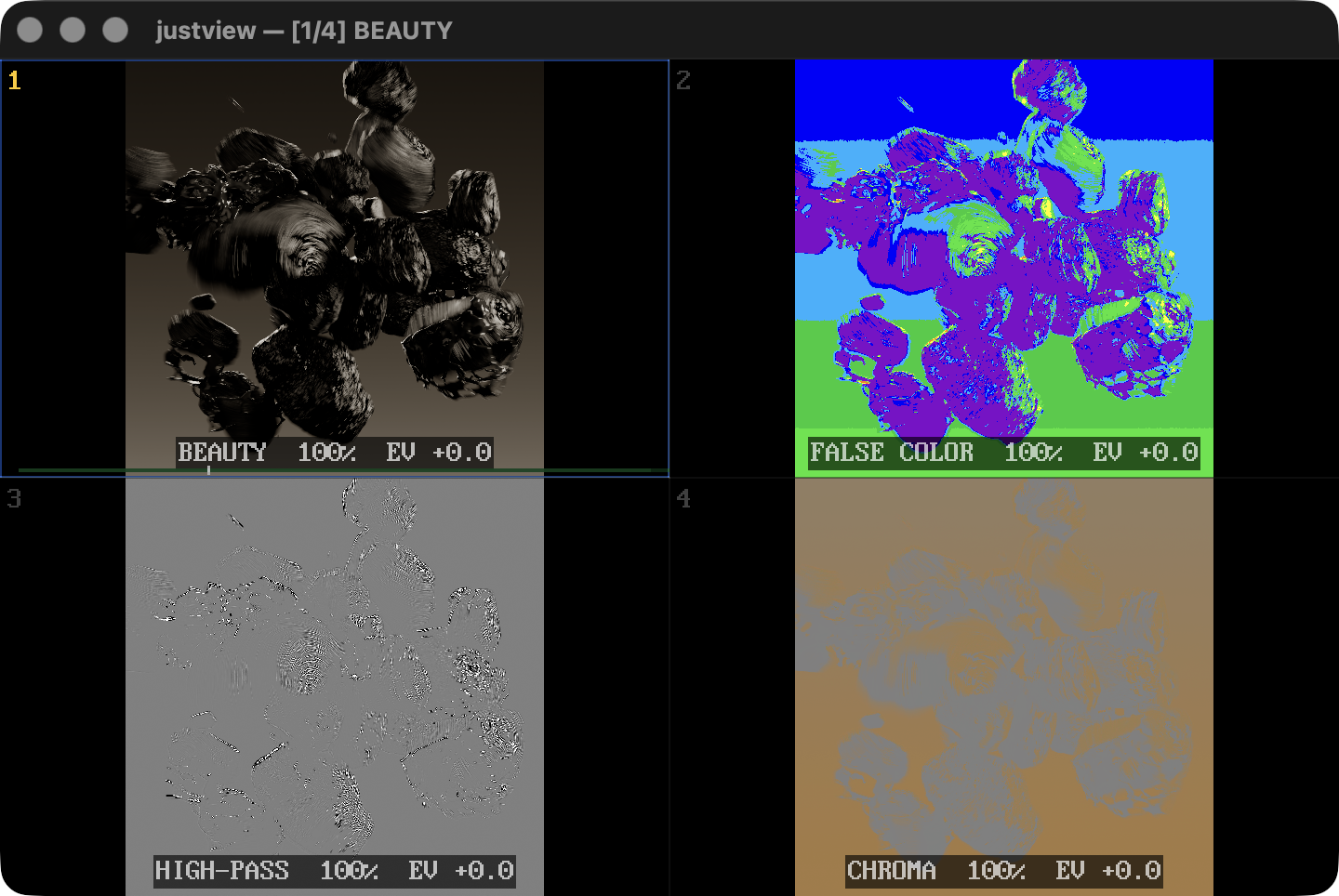
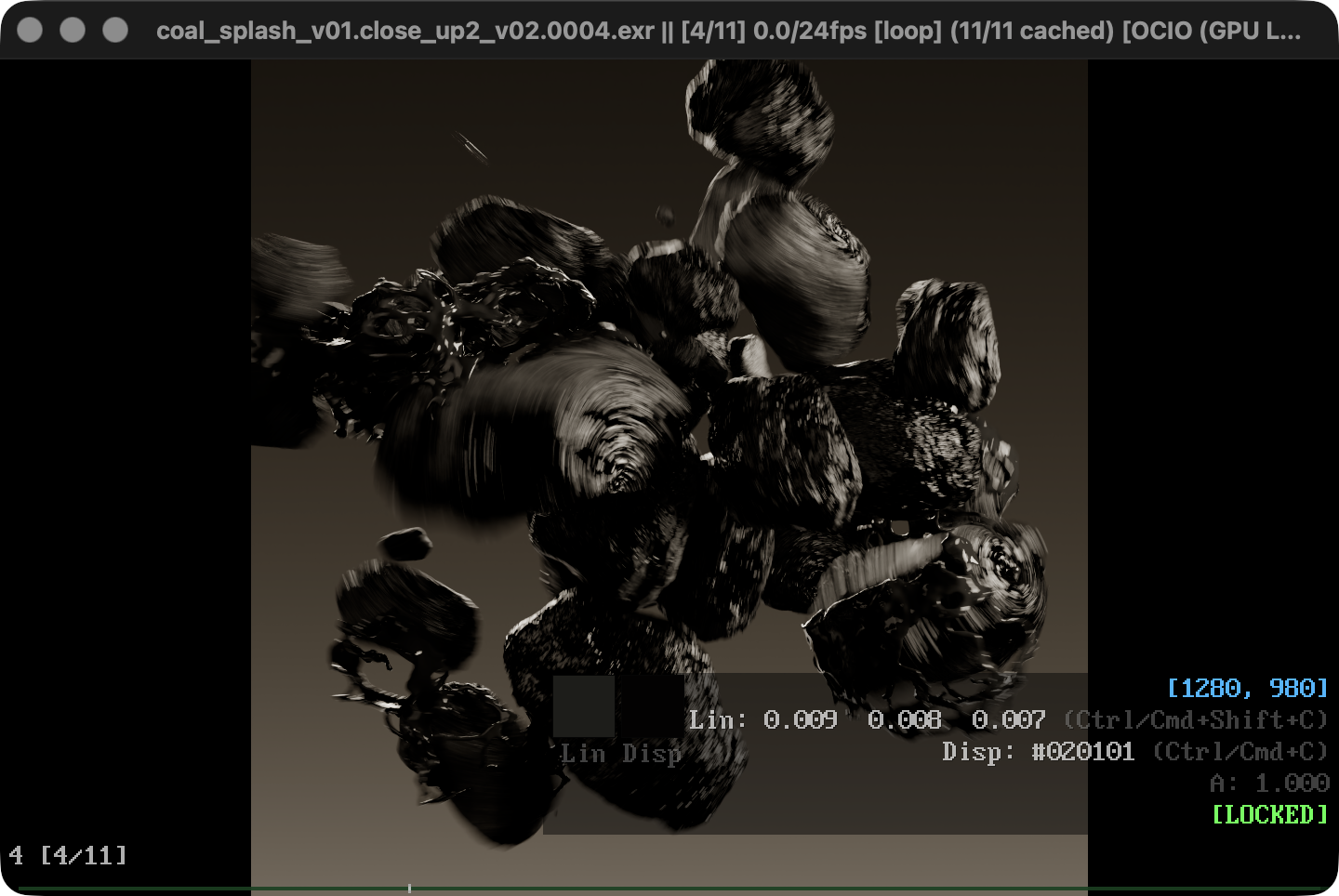
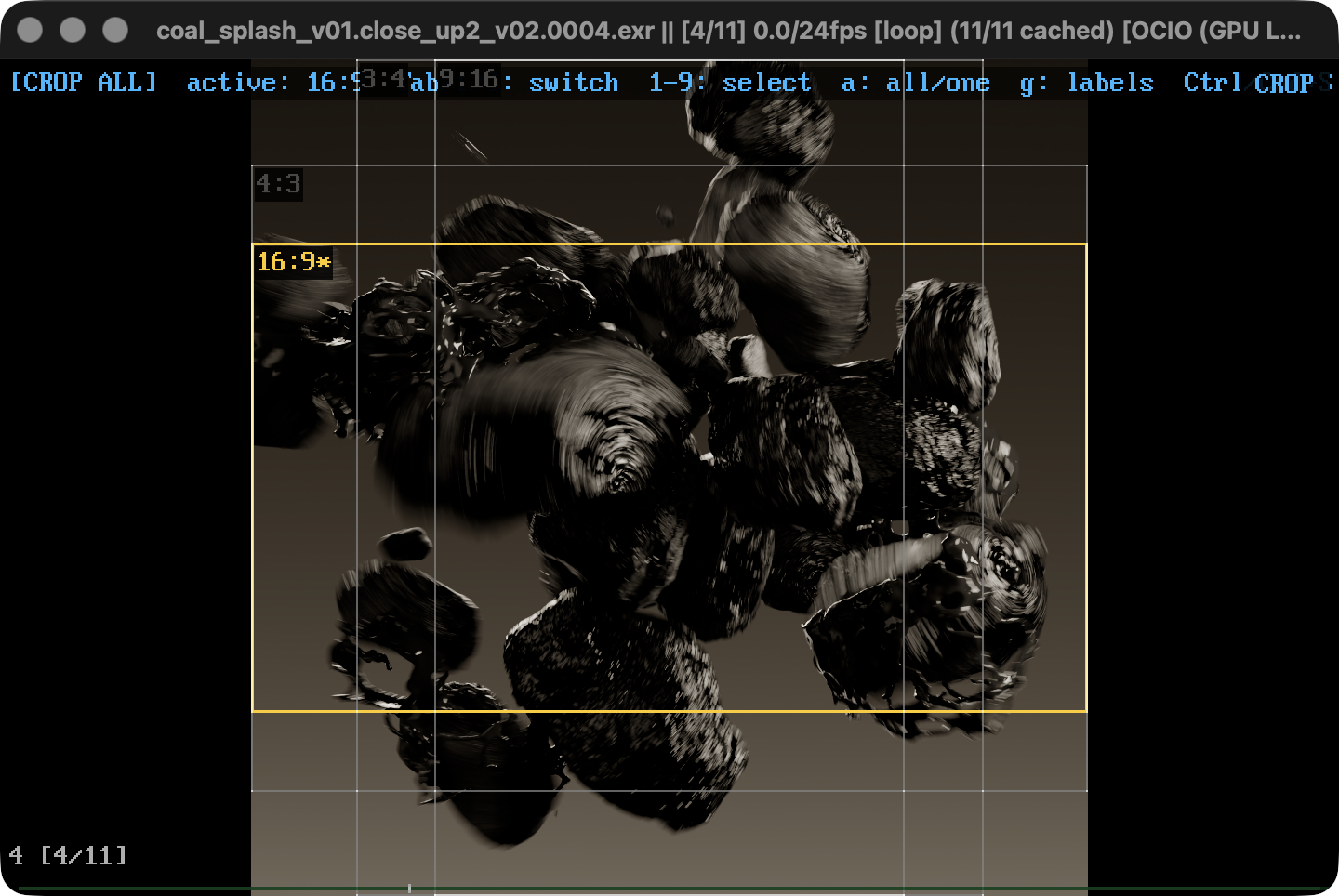
This is only a preview.
Explore the full feature list to see what else justview can do.
Why it works
Open the render first. Bring in tools only when you need them.
Open, play, copy, or export immediately.
Then use shortcuts for the review work you do all day.
Everyday review
Open
Drop in an EXR sequence, still, MOV, or MP4. No project setup.
Inspect
Switch AOVs, read scene-linear pixels, open metadata, and bring scopes onto the frame.
Decide
Compare A/B versions, check delivery crops, copy a still, or export a review movie.
Viewer tools
Small app. Real viewer tools.
The app stays focused, but the tools are real. Color, image data, playback, comparison, and export tools are built for everyday render review.
- Playback
- EXR sequences, stills, MOVs, and MP4s with caching, in/out points, and proxy playback
- Color
- Bundled ACES 2.0 OCIO display pipeline with per-shot input color
- EXR
- AOV browsing, channel isolation, data layers, scene-linear pixels, and full file metadata
- Analysis
- Waveform, RGB parade, vectorscope, histogram, zebra, false color, high-pass, chroma, and black-crush views
- Compare
- A/B wipe, split panes, sequence grids, and multi-image stitch layouts
- Grade
- Lift, gamma, gain, offset, saturation, contrast, grain, bloom, presets, and LUT export
- Export
- PNG, JPEG, TIFF, and EXR stills, plus H.264 and ProRes review movies
Made by one person
justview is free because I want artists to use it.
justview is solo-built around the small frictions that show up while checking renders: launch fast, trust the color, inspect a pixel, check an AOV, export a review movie, then get back to work.
Support helps me keep it fast, signed, packaged, tested, and useful across macOS, Windows, and Linux.
Ready when the render is.
Download the beta for macOS, Windows, or Linux. Add ffmpeg when you want video playback and movie export.